Layers and 27 blend modes
Opacity, lock, visibility and every blend mode from Multiply to Luminosity. Three layers free, no layer limit with Pro.
Layers 3
InkMultiply
WashNormal
PaperNormal
Drawing & Painting For Mac
57 brush styles that behave like the real thing — washes that dry with darker edges, oil with ridged impasto, pencils that shade when you tilt. Free to start, and nothing leaves your Mac.
Free download · macOS 14 Sonoma or later · No account

Brushes
Twelve tool families, 57 brush styles, each with its own behavior. In the app you click a tool to pick it up — and click it again for its styles. Try it here.
Graphite that builds up where strokes cross, from HB to 6B, plus charcoal and colored pencil. Tilt the pen to shade with the side of the lead.
See all 57 brush stylesBallpoint, fine-liner, fountain pen, brush pen, calligraphy nib and technical pen — wet ink that dries as you go.
See all 57 brush stylesTranslucent markers that layer where they overlap, from a chisel tip that holds its angle to a highlighter and an alcohol blend.
See all 57 brush stylesWatercolor and ink washes that build up where they overlap and settle with darker edges, then dry.
See all 57 brush stylesOpaque paint that covers what’s beneath: oil with ridged impasto, matte gouache, and acrylic.
See all 57 brush stylesPastel and Conté with a gritty texture, and crayon with a waxy resist.
See all 57 brush stylesSoft, hard and dusty chalk — a powdery mark that catches on the paper’s grain.
See all 57 brush stylesA soft spray that keeps building while you hold still, from fine detail to a wide mist cone.
See all 57 brush stylesTen spray cans, from Fat Cap to Rust. Hold still and the paint pools — and the Hi-Fi can drips.
See all 57 brush stylesSnaps every mark to a 4–64 px grid, with pixel-perfect lines for crisp pixel art.
See all 57 brush stylesHard, Soft and Color-aware, which removes only the color you touch first. All three are free.
See all 57 brush stylesSmudge, Blur and Liquid Smear. Wet paint smudges further than dry paint.
See all 57 brush styles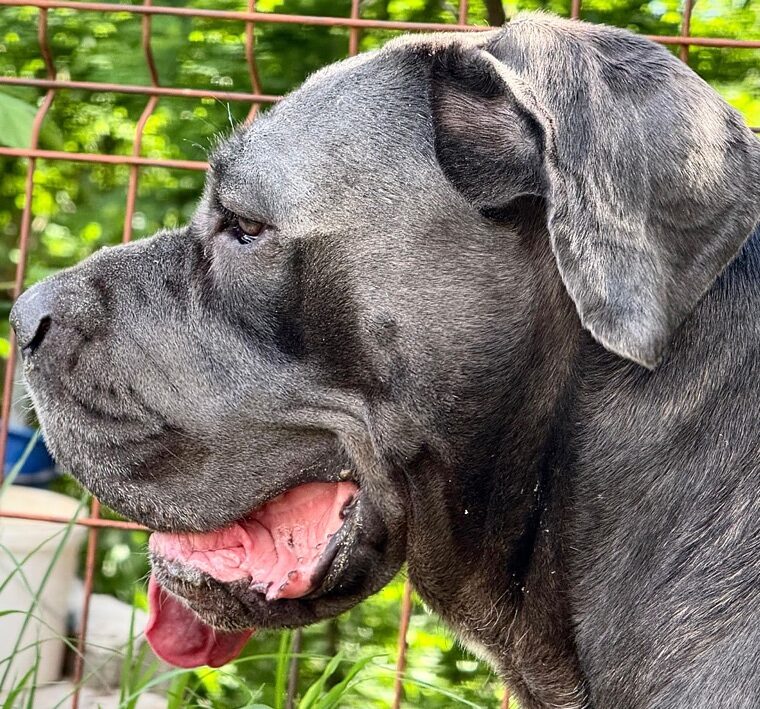
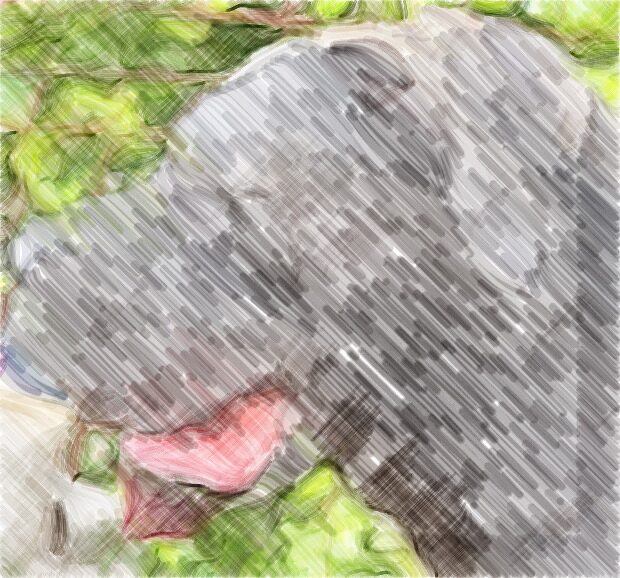
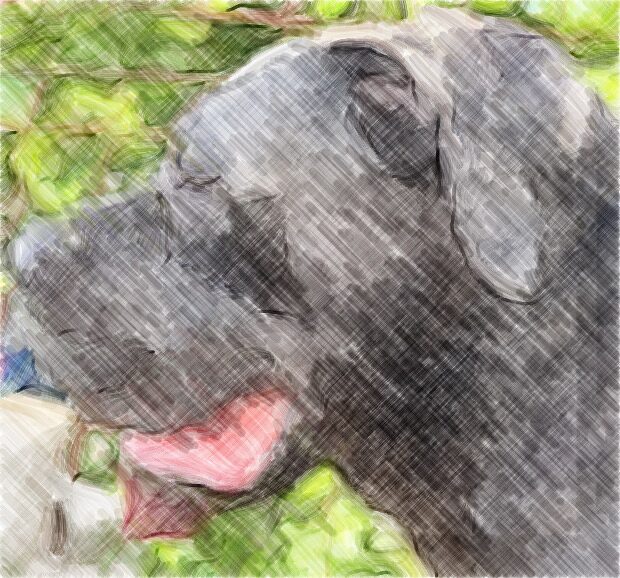
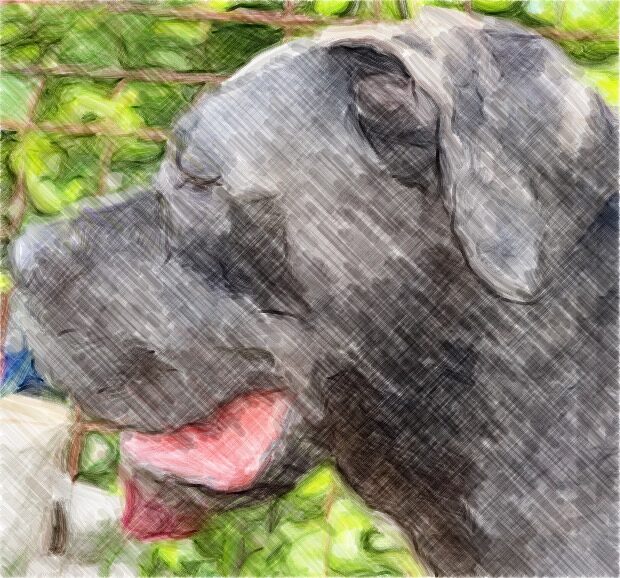
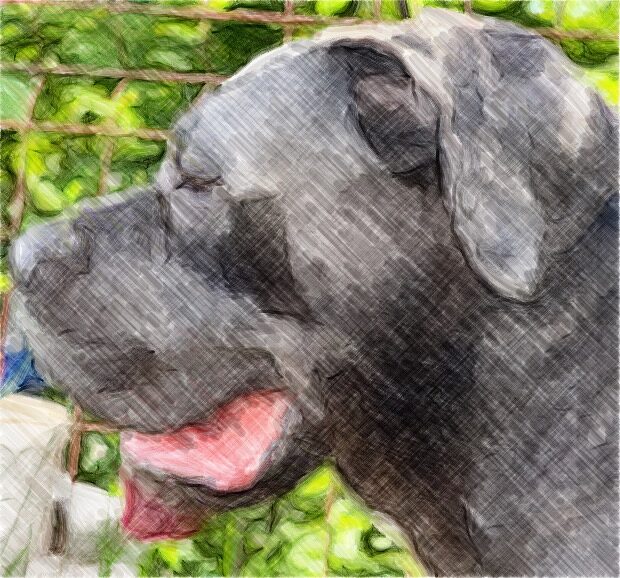
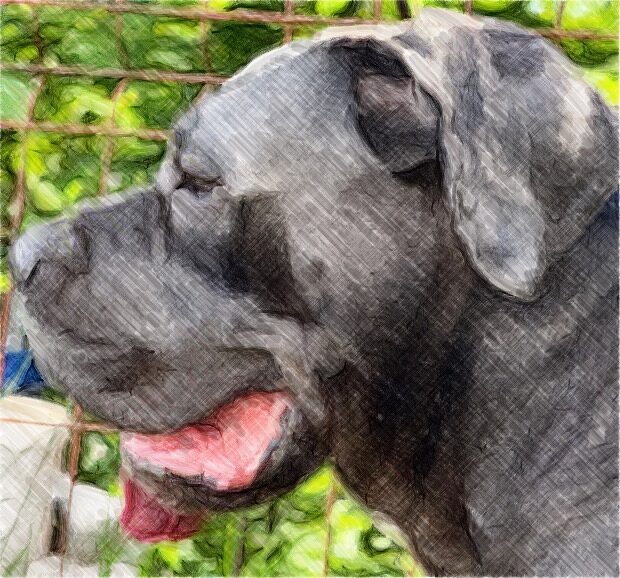
Paint It For Me
Paint It for Me paints your photo with real brush strokes from the app’s own engine — coarse strokes first, finer ones over the top, the way a painter works — on layers you can keep editing.
Ink Outline, Pencil Sketch, Comic or Blueprint, with a before/after divider. The result lands on its own layer.
Lift the subject out of a photo on your Mac, then paint a new background on a layer below or export a transparent PNG.
Paper & Feel
Eight surfaces, generated live on the GPU: fine paper, cold-press watercolor paper, kraft, woven linen, slate, a glossy whiteboard, matte white — and transparent. Turn on paper texture and dry media catch on the grain.
Studio
A simple surface that opens straight onto paper, with depth one click away.
Opacity, lock, visibility and every blend mode from Multiply to Luminosity. Three layers free, no layer limit with Pro.
Mirror left–right or up–down for free. Quad and radial symmetry in 4, 6, 8 or 12 sectors with Pro.
Snaps to a grid from 4 to 64 px, with pixel-perfect lines that drop doubled corners. Free.
Rectangle, Lasso and Magic Wand selections, and ⌘T to move, scale and rotate what you picked.
Seven shapes, Linear and Radial gradients (Angular with Pro), and a Fill with tolerance.
P for Pencil, B for Brush, S for Spray Can, X for Pixel — and [ ] to change size.
Color
Start with five colors. With Pro, the Chroma Orb gives you a hue ring, a saturation and brightness field, opacity and hex — and beside it sits a Mixing Well where you lay paint down and smear it together with the real Smudge brush.
Drag to lay paint down, ⌥-drag to mix it, click to pick the colour.
Every tool remembers its own color, so switching from pen to marker never loses your blue.
Files
Nothing is trapped in here. Every export is free.
Your painting, layers and all.
Every layer kept separate, with its name, opacity, visibility, blend mode and position — and layered PSDs open straight back in.
The finished picture, with real transparency where you didn’t paint.
Flattened onto your paper color — the small, shareable one.
Replay · ⇧⌘R
Replay Session plays your painting back stroke by stroke, right in the app — nothing to record, nothing to set up.
Privacy
Paint My has no account, no analytics and no servers of its own. Your paintings and photos are yours.
Free & Pro
The free version keeps working — no account, no tricks. Pro opens the whole studio.
Prices are shown in the App Store for your country. Purchases and subscriptions are handled by Apple.
Guides
Step-by-step guides for everything Paint My does — from turning a photo into a painting to opening a PSD.
Paint It for Me paints your photo with real brush strokes in pencil, colored pencil, watercolor or crayon, on your Mac.
Turn a photo into ink line art, a pencil sketch, a comic or a blueprint on your Mac, then draw over it on its own layer.
Lift the subject out of a photo on your Mac in one click, then paint a new background or export a transparent PNG.
Photograph or scan a paper sketch with your iPhone or iPad, and it lands on a new layer on your Mac, ready to ink and color.
Paint watercolor on your Mac: translucent washes that build up, settle with darker edges and dry, on “Watercolor Paper”.
Paint opaque oil with ridged impasto on your Mac, plus gouache and acrylic. Smudge wet paint and mix colors in the Mixing Well.
Sketch with HB and 6B pencils, charcoal, colored pencil and ink on 8 surfaces, with pressure and tilt shading.
Draw letters with a 45° flat calligraphy nib, a brush pen, a fountain pen and a chisel marker. The pens respond to pressure.
Draw pixel art on your Mac: the Pixel Brush snaps to a 4–64 px grid, keeps lines pixel-perfect and is in the free version.
Paint on layers with 27 blend modes, opacity, lock and visibility. 3 layers free, no layer limit with Pro.
Mirror or rotate each brush stroke on your Mac: left-right and up-down are free; quad and radial ×4, ×6, ×8 or ×12 come with Pro.
Open layered PSD files on your Mac, paint on them, then export a layered PSD, a PNG or a JPEG. Every export is free.
Pressure changes size or flow on 46 brush styles, tilt shades on 13, and “Steady” smooths your lines.
Macs don’t come with a Paint app. Paint My adds one: brushes, shapes, fill, gradients, selections, layers and free exports.
Paint on your Mac with a mouse, trackpad or pen tablet: 57 brush styles, 8 surfaces, layers and stroke smoothing.
A drawing app kids can use on a Mac: pencils, chalk, markers, paint and spray, easy undo, no account, no data collected.
Yes, it’s a free download with 14 brush styles, layers and every export. Paint My Pro is optional: weekly, monthly or yearly, or pay once.
It works offline, and nothing is uploaded. Paint It for Me, Photo to Sketch and Remove Background all run on your Mac.
No. Open the app and paint.
Yes. Pen pressure changes size and flow on 46 brush styles, and tilting the pen shades with the side of the tool on 13. A mouse or trackpad works too.
Yes. Layered 8-bit RGB PSD files open with their layers, names, opacity and blend modes; other PSDs open as a single layer. You can export a layered PSD for free.
No. It paints your photo with the app’s own brushes — real strokes on real layers — and it runs on your Mac.
Any Mac with macOS 14 Sonoma or later.
The app’s interface is in English. This website is available in seven languages.
Open it, pick a brush, and the paper is already there.
macOS 14 Sonoma or later · Mac only · App interface in English